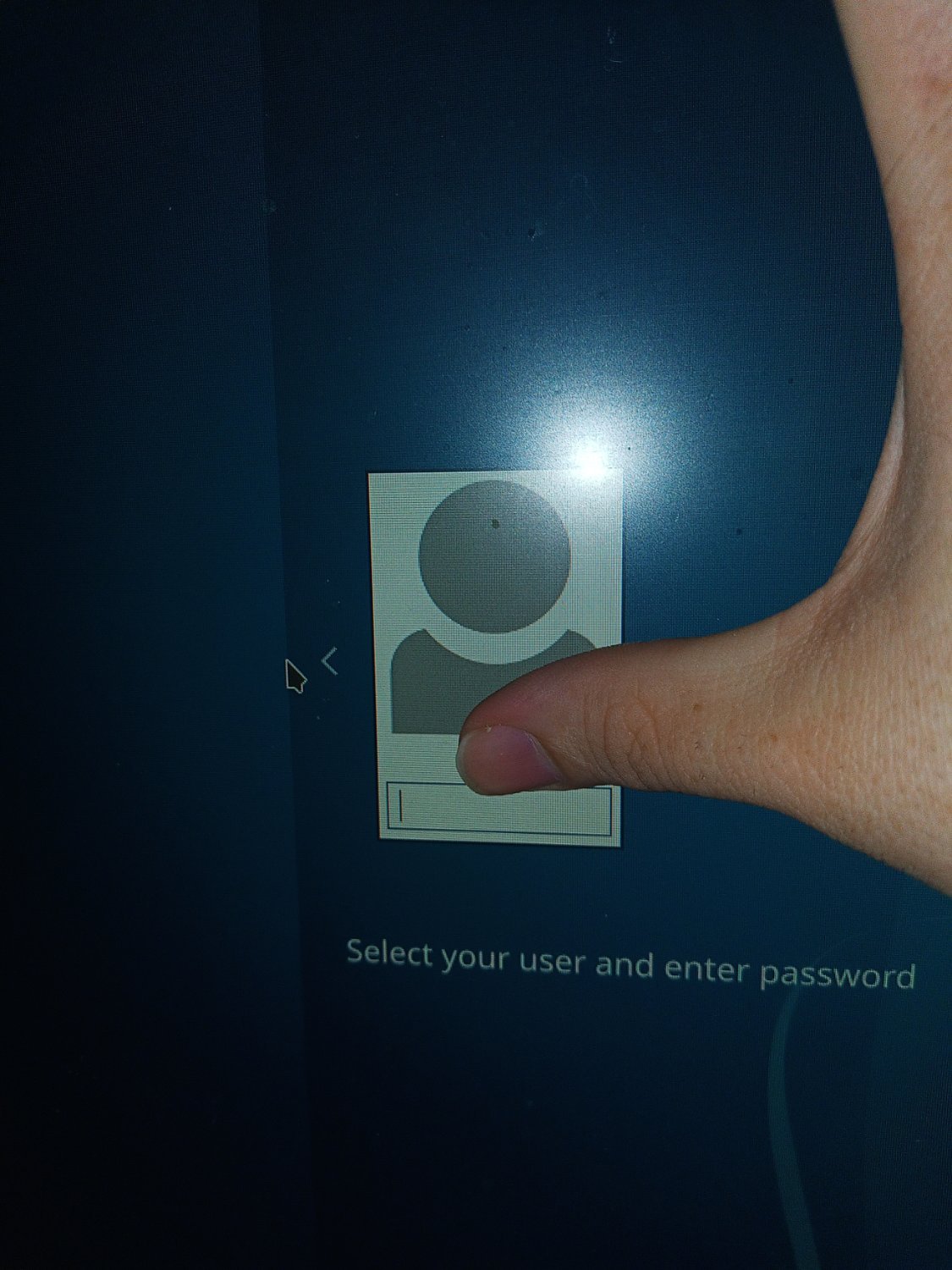

Solved. I was able to run sudo pkcon update and that fixed it. I can log in now but the desktop is rest to system defaults
I updates my distro, kde neon. The login screen changed and now it will not accept my password. I have checked caplocls, numlock, all that. It is the only password i set for it will not take it. I have no other usera on my pc so i cant just login as someone else.
What password is looking for, why is the password i used to login this morning not working?
Summary Distro kde neon Problem logon screen not accepting password
Nice thumb
I would jump over to a virtual tty so see if you can log in (CTRL+ALT+F4)
I could not or maybe i could. It let me run a sudo pkcon update and that fixed it
I’m not sure I understand what you are trying to say. However, I’m glad you got it fixed.
Most common reason is running out of disk space. Boot from USB and have a check as to whether the update filled up the disk
Well i now thats not the problem i dont have that many files and the imstall is less the a month old.
It’s fixed, but I’d still like to add that I solved it by deleting my user’s cache files. Also if you fail to type your password, for me, kde is very buggy in that feedback, tty will tell you tho.
As in, you can type in the password but when you submit it, the login page says it’s the wrong password? Or as in you can’t get the password box to accept foucs? Or as in when it has focus and you press a key, it doesn’t add dots to the box indicating you’ve typed in a character.
The KDE Neon machine I have to use for work does the last of these. But I’ve got two monitors. My workaround is to go log in on the other monitor. And that works, somehow. Weird, and a bit of a pain, but it works for me.
If you meant the first of these, it’s possible you’ve just entered the wrong password enough times that it locked you out for 10-ish minutes.
Ctrl+shift+f3 Then user name and sudo password
That changes the promt to username$.
Then i ran sudo pkcon update. Several people had this problem and all the others solutins uses comands I couldn’t understand but this one i did.
It worked*.
I can log in but my desktop settings are the default now. But atleast i lost no files.
Jokes on you, i have a touchscreen.
…Good for you?
Removed by mod
But you might have this one https://www.pcgamesn.com/windows-11/ai-app-watermark
I’ve had that issue with windows. Will also see myself out.